.png?width=300&height=103&name=The%20Crane%20LOGO%20(Full).png)
1- Log in to https://craneresorts.myaccountinfo.com. This link is also available in the Owners' Centre under General Documents.
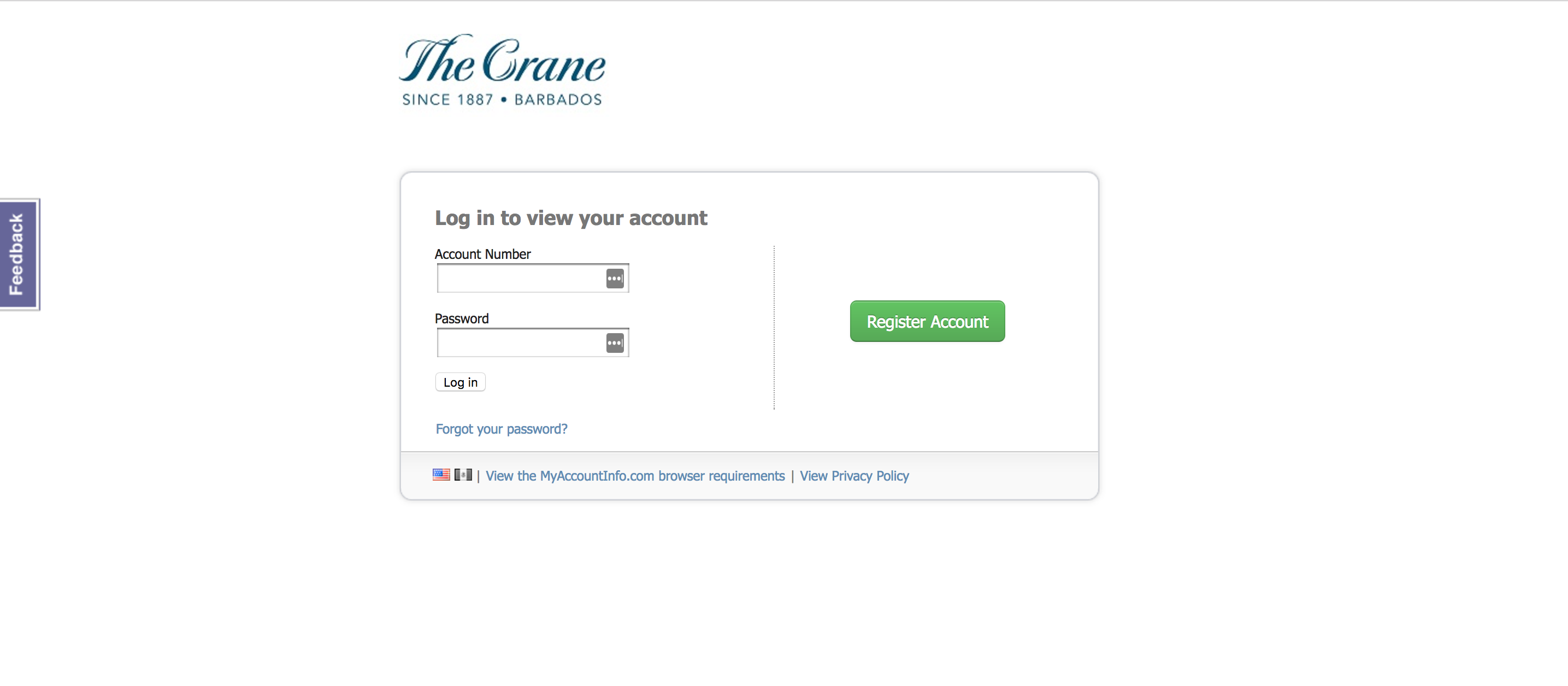 2-Click on the “Register Account” button (to register your account or to reset your password)
3-Enter required information
4-To register for e-statements or to view prior statements sent electronically, click on “E-statement History” and follow instructions
5-Click on “Make a payment” and enter credit card details
For any problems with access, please contact accounts@thecrane.com